
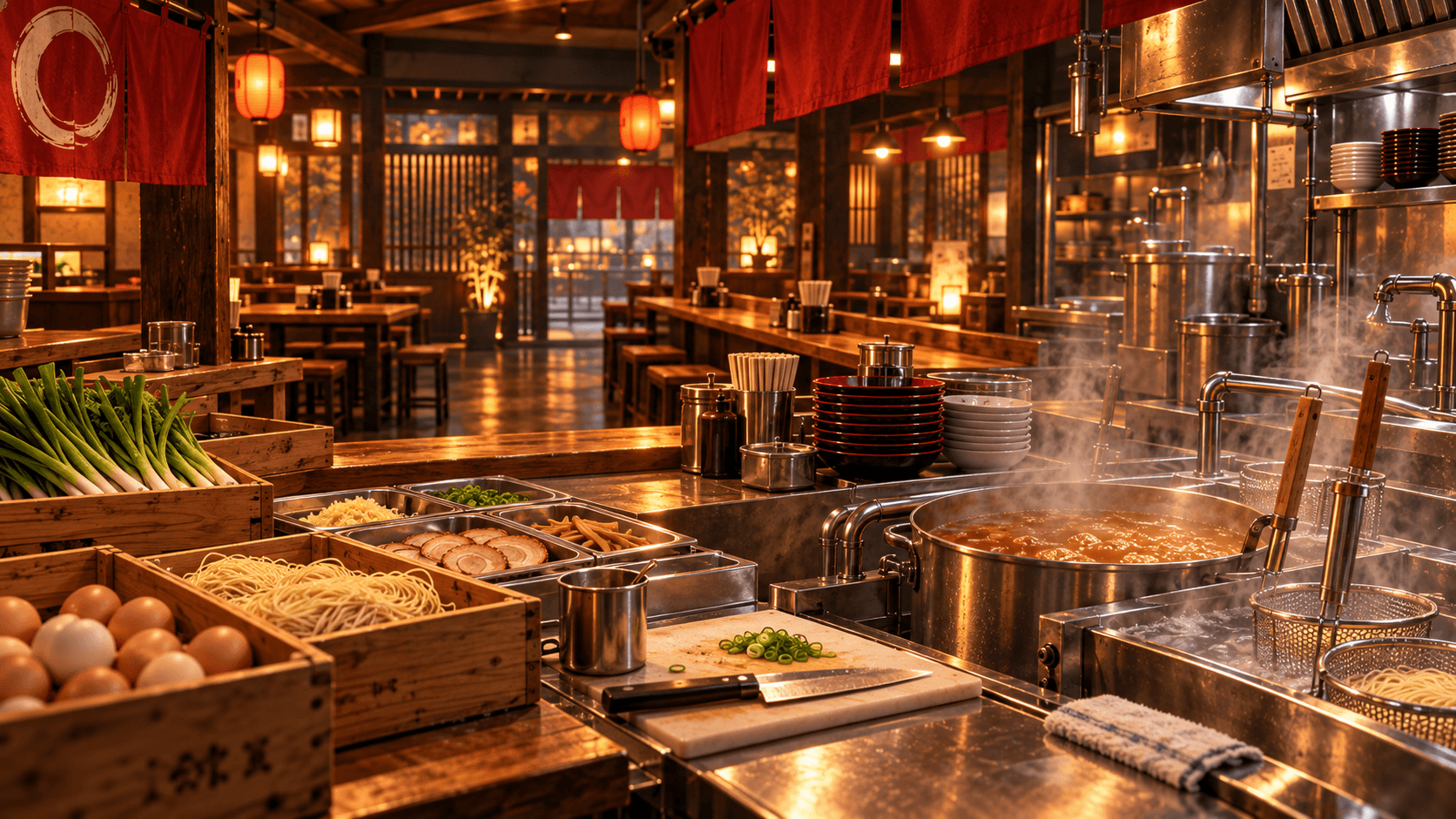
Your first goal in Japanese Ramen Simulator is not to build a perfect restaurant. Learn one complete service loop: receive supplies, store food correctly, prepare broth and noodles, match the customer’s order, serve it, collect payment, and reset the station. Finish the tutorial prompts before expanding, keep refrigerated items in the fridge, and open only when bowls, ingredients, water, trash handling, and washing are ready. The official Steam description confirms that preparation, cooking, serving, customer care, and cleanup all matter, while gameplay footage shows that a disorganized shop quickly loses track of food, dishes, and orders.
Source note: Official facts are identified in context. Observed workflows and strategy recommendations are not developer rules.
Quick Start: What to Do First
- Walk through the shop and identify purchasing, delivery, storage, broth, noodles, assembly, service, checkout, trash, and washing areas.
- Follow the active tutorial prompt. Day 1 update notes confirm tutorials cover noodle draining, ingredient cutting, the dishwasher, beer, and shop expansion as those systems become relevant.
- Receive ordered boxes and move food away from the delivery area.
- Put items marked for refrigeration into a refrigerator.
- Prepare only what the first orders require, then complete a full bowl before starting several at once.
- Serve the correct customer, collect payment, clear the used tableware, and wash or stage dishes for the next order.
Japanese Ramen Simulator supports both first-person and third-person views. Steam states that players can switch perspectives for comfort and visibility, but the collected official material does not provide a complete keyboard or controller mapping. Use the on-screen prompts rather than relying on an unverified key list.
Prepare the Shop Before Opening
The quiet preparation period is where a new player can prevent most service problems. Keep the route from storage to preparation and from cooking to service clear. Place frequently handled supplies where they can be reached without crossing the customer path, and leave a dedicated surface for bowls that are ready for toppings or service.
Observed multiplayer footage shows deliveries arriving in boxes and players immediately needing space for unpacking, refrigeration, and discarded packaging. It also shows that a trash container needs a bag before it can accept waste. Treat the delivery point as temporary space, not long-term storage.
Food Storage and End-of-Day Handling
Refrigerate anything the game marks as refrigerated. The Day 1 notes specifically confirm that suitable food and completed dishes stored in a refrigerator persist when the day ends, even if the refrigerator door is left open. Food placed on the food-sample rack also persists after the update.
Do not assume every object belongs in the fridge. The official tutorial distinguishes applicable refrigerated items from food outside the shop, food currently cooking, completed ramen bowls, loose cooked noodles, and noodles still in a basket. The ingredients guide explains the confirmed supply and storage rules in more detail.
Follow the Basic Ramen Workflow
Official Steam material describes the cooking loop as preparing soup, boiling noodles, arranging toppings, and matching the customer’s requested bowl. Noodle doneness, soup temperature, aroma, umami, presentation, and service time can affect the result, but the source material does not publish one universal temperature, timer, or ratio.
Use this safe beginner sequence:
| Stage | Beginner action | Check before moving on |
|---|---|---|
| Order | Read the full request | Soup style and requested toppings are clear |
| Soup | Use the prepared soup and sauce required by the order | The bowl contains the intended base |
| Noodles | Boil and drain the noodles | They are not left waiting unnecessarily |
| Toppings | Add only what the customer requested | Quantity and placement match the ticket |
| Service | Take the completed bowl to the correct customer | The order is complete, not just visually similar |
For a fuller explanation of broth, noodles, toppings, and order assembly, continue to the recipes and cooking guide.
Serve Customers and Reset the Station
Serving is only the middle of the loop. Customers must be welcomed, have their orders taken, receive the correct food, and complete checkout. Official screenshots and descriptions also show water service, tableware, and customer seating as part of the restaurant operation.
After service, bring dirty bowls, cups, and trays back through one predictable route. The Day 1 update confirms that a dishwasher can accept dirty tableware from the player’s hands or a tray when its door is open. A dedicated clearing-and-dishwashing employee is also available later, but the employee still needs a usable station and waiting position.
Spend Early Money on Bottlenecks
There is no verified universal shopping order because layouts, group size, difficulty, and unlocked equipment change the bottleneck. A sound first-session rule is to spend only after you can name the repeated problem the purchase solves.
- If supplies have nowhere safe to go, prioritize storage.
- If clean bowls cannot return to service, improve the washing loop.
- If players collide while assembling orders, create work surfaces and clearer lanes.
- If one station cannot keep up, consider relevant equipment or staff after confirming it is unlocked.
- Delay decoration when a functional station is still missing.
The official game description confirms that money can be used to expand the shop and improve menus and seating. The money guide covers cash protection and expansion decisions without claiming an exact return on investment.
Common Beginner Mistakes
- Opening before the kitchen is ready. Complete storage, prep, water, waste, and dish setup first.
- Ignoring refrigeration markers. Store applicable food before it is forgotten at closing time.
- Making several uncertain bowls. Learn one complete order before batching work.
- Serving a similar-looking order. Check the requested soup and toppings.
- Letting dirty dishes block clean space. Give used tableware its own return route.
- Buying without a bottleneck. Save cash until a repeated delay is obvious.
- Moving equipment with items still on it. Player reports note that objects can fall when furniture is moved in build mode; clear surfaces first.
- Treating unexpected events as background noise. Steam confirms thieves and fires can interrupt service, so keep access to defensive tools open.
Solo and Co-op First-Session Advice
Officially, the shop can be run alone with hired part-time NPC staff or online with up to six players. Solo players should keep the menu and layout manageable, finish one customer loop at a time, and hire only for a task that repeatedly pulls them away from cooking or service.
For co-op, agree on roles before opening. One player can own orders and service, another can handle soup and noodles, and another can manage toppings, restocking, and dishes. Those roles are strategy suggestions, not fixed game classes. Larger groups can split them further; see the co-op guide for two-to-six-player examples.
Your Next Steps
Once you can complete a clean shift, deepen one system at a time. Learn bowl assembly in Recipes, identify confirmed supplies in Ingredients, then use the Money Guide to decide whether storage, equipment, staff, or expansion should come next.